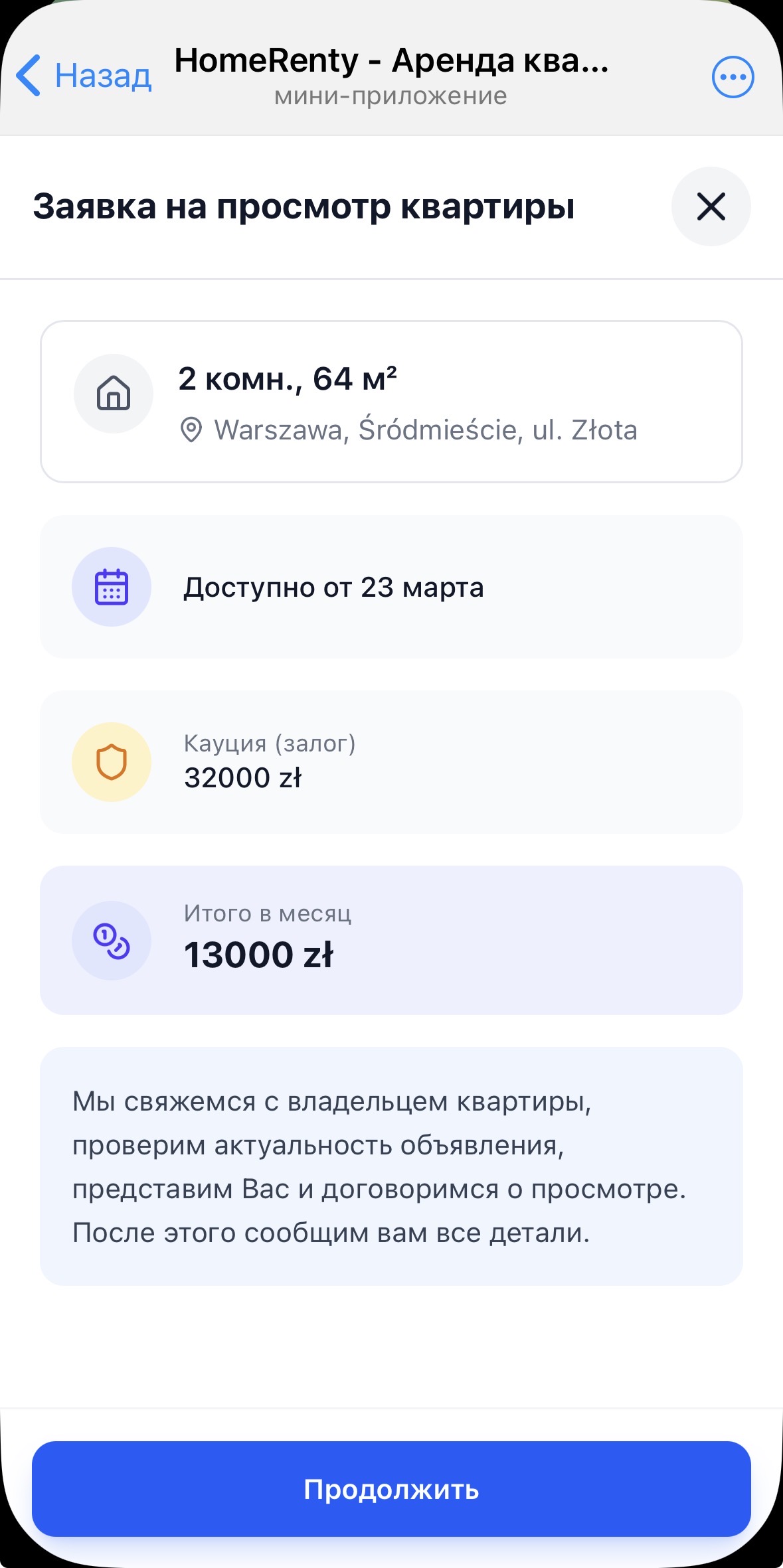
Found an apartment in the feed and want to arrange a viewing? In Homerenty it takes just a few taps — no phone calls, no searching for contact details. The request is sent directly to the landlord and you track its status right in the app.
How it works
1
Find an apartmentIn the feed or on the map, open the card of an apartment you like
2
Tap "Schedule a viewing"The button on the apartment card starts the booking flow
3
Fill in your tenant profileIf you don't have a profile yet — Homerenty will guide you through 3 steps. This is your presentation to the landlord
4
Choose a planHomerenty will suggest available support options
5
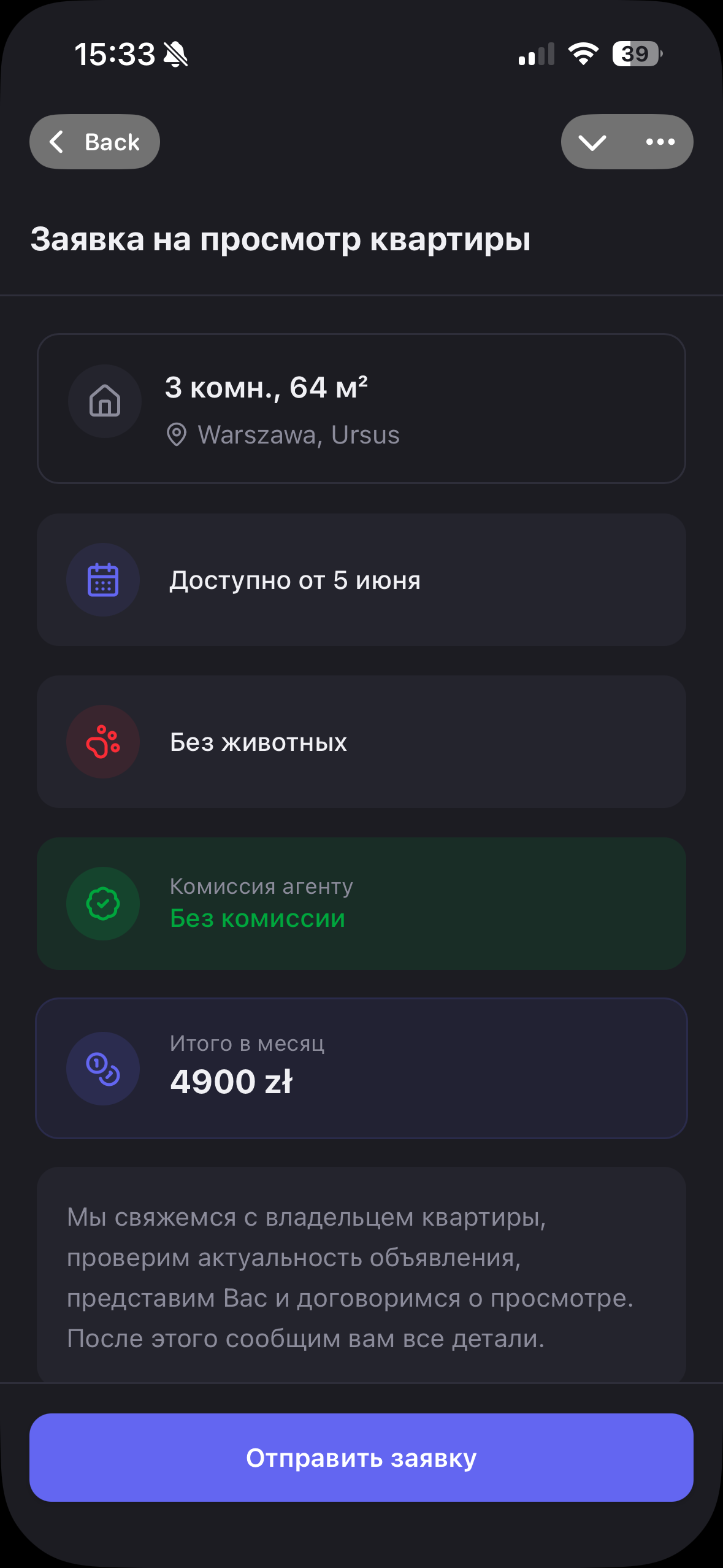
Confirm the requestA modal shows the apartment details and your profile. One tap — and the request is sent
Where to check request status
All created requests are stored in the "Viewing Appointments" tab (second item in the bottom navigation). You can see:
- Photo and address of the apartment
- Date and status of the request
- Your contact details that were sent
Try it now
Open apartments and create a viewing request in a few taps
Schedule a viewing →